How to view patient’s audit log
46 views 0 September 1, 2025
Description:
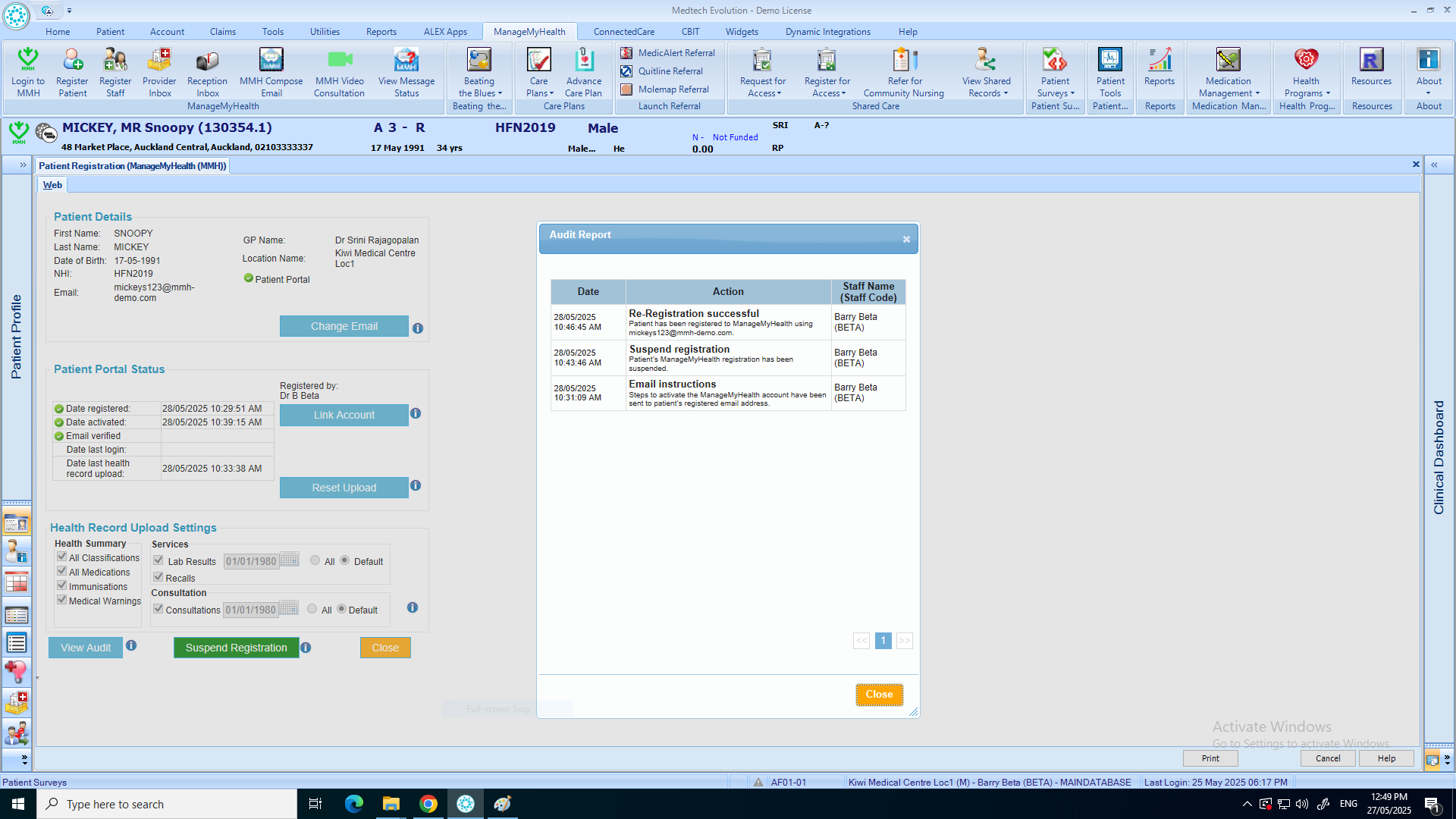
This help guide explains how to view a patient’s audit log in ManageMyHealth. It’s useful when you need to track activity history for a specific patient. You’ll learn how to access the Manage My Health menu, open Register Patient, and select View Audit. By following these steps, you can review the detailed activity logs to monitor patient interactions and changes.
Video Demo:
Steps:
- Put the Patient on Pallet
- From the top menu, select “Manage My Health.”
- Click on “Register Patient.”
- Select “View Audit” to open the patient’s audit log.
Review the detailed activity logs from the audit report on this screen.