How to re-register patient for Manage My Health
70 views 0 September 1, 2025
Description:
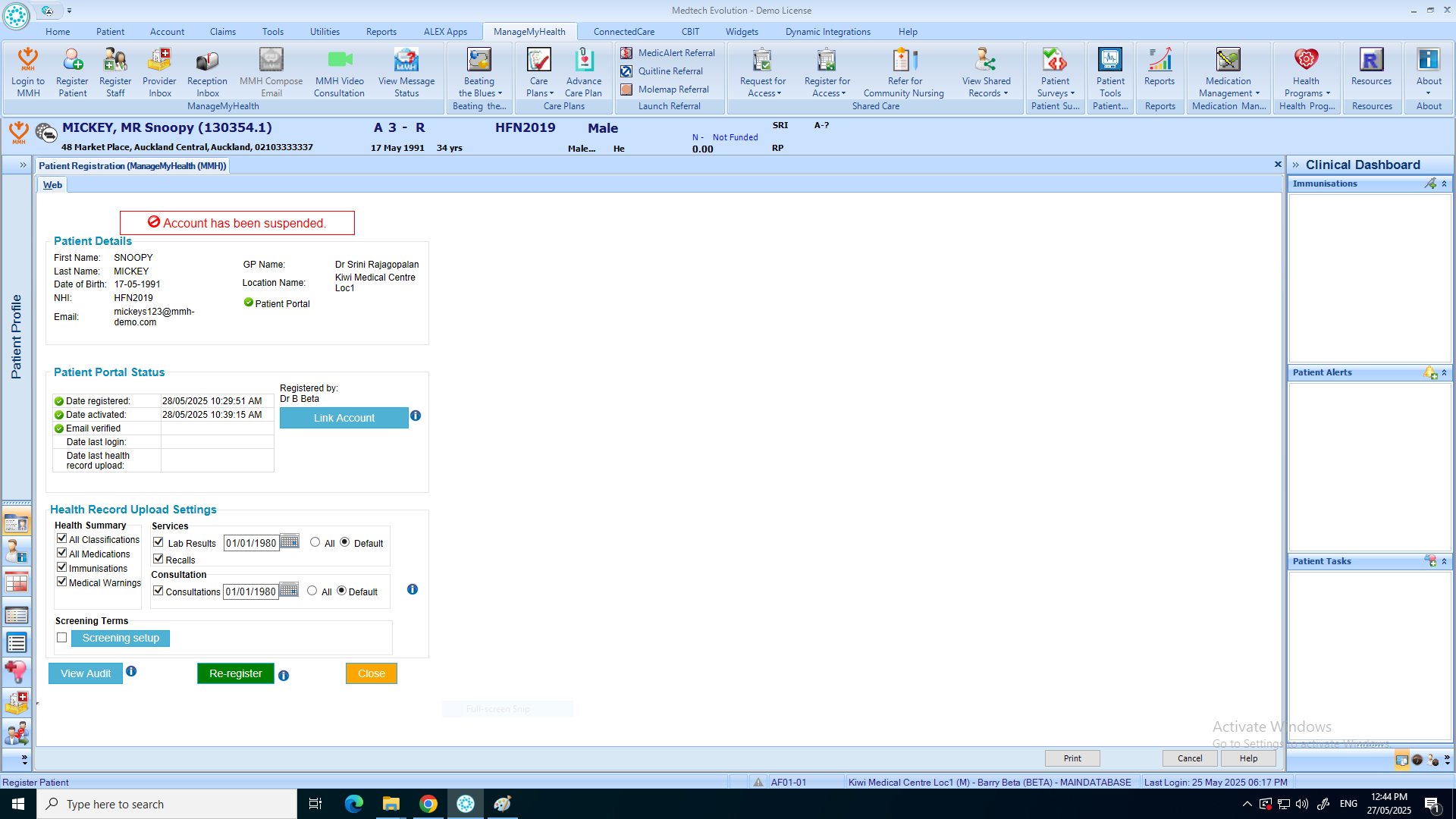
This help guide explains how to re-register a patient in ManageMyHealth. It’s useful when an existing patient needs to be set up again in the portal. You’ll learn how to access the registration menu, select the re-register option, and confirm the action. By following these steps, you can quickly complete the re-registration process and ensure the patient regains portal access.
Video Demo:
Steps:
- Put Patient on pallet.
- Click “Manage My Health” from the top menu.
- Select “Register Patient.“
- Click “Re-register.“
- Click “OK” to confirm the re-registration.