Description:
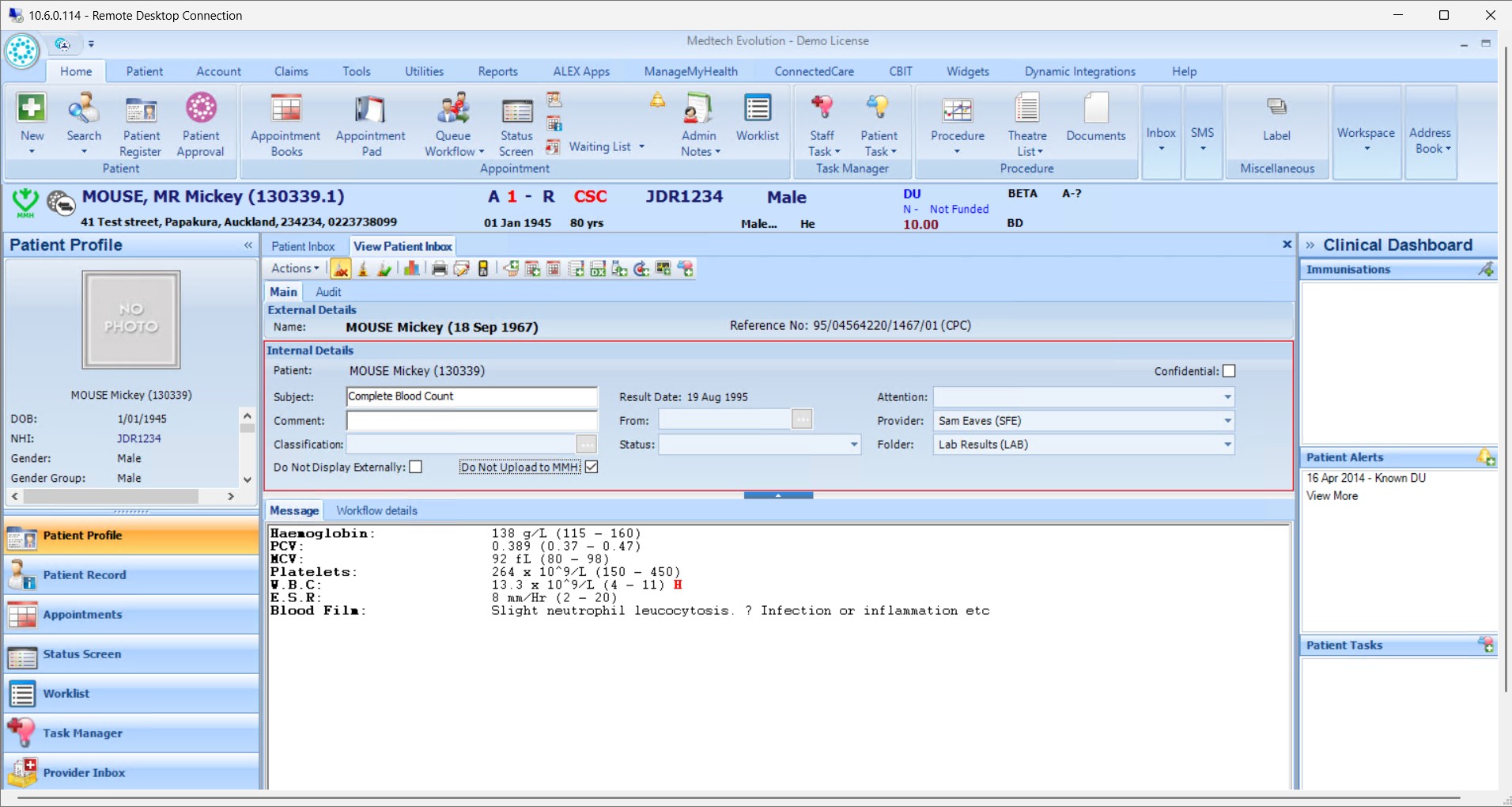
This help guide explains how to manage health records in the Provider Inbox. It’s useful when providers need to decide whether results should be shared with patients through the portal. You’ll learn how to review results, add comments that appear to patients, and upload them by selecting File. By following these steps, you can also withhold sensitive results using the Do Not Upload to MMH option, and later reverse this decision after discussing it with the patient.
Video Demo:
Steps:
- Navigate to the Provider Inbox and open the result you wish to act on.
- Review the result and add comments for the patient (these will appear on the portal).
- Click “File” to upload the result to the patient portal.
- If the result is sensitive, click “Do Not Upload to MMH” to withhold it. After discussion with the patient, return and uncheck the option to upload it.