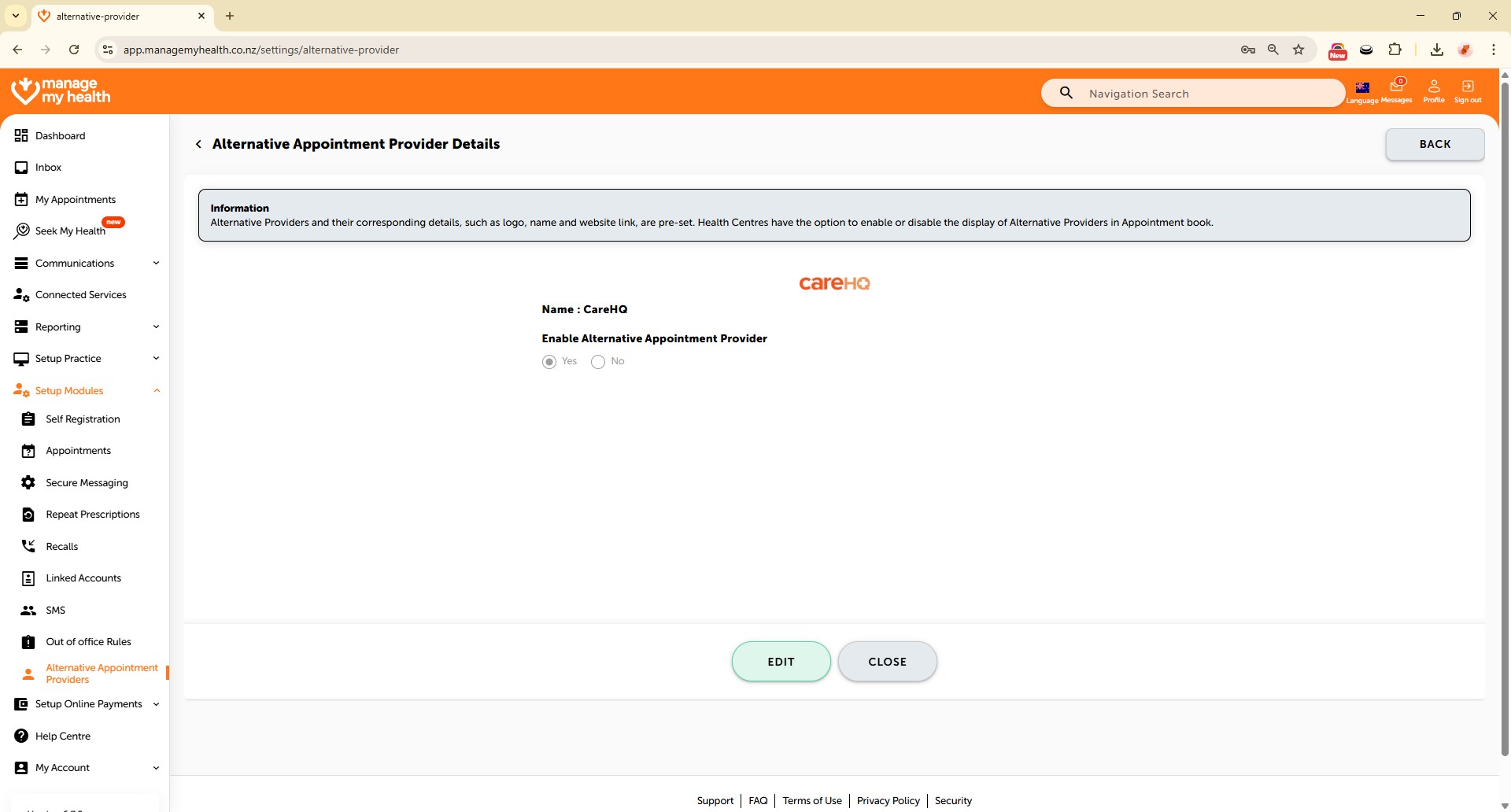
How to Configure Alternative appointment providers
64 views 0 September 1, 2025
Description:
Configure Alternative Appointment Providers allows practices to assign backup providers when the primary provider is unavailable. This ensures patients can still book and attend their appointments without disruption. It helps maintain smooth scheduling, reduces cancellations, and improves overall patient access to care.
Video Demo:
Steps:
- Go to “Setup Modules” from the left navigation menu.
- Select “Alternative Appointment Providers” from the sidebar to manage alternative booking options.
- Click “EDIT” next to Practice Plus to access its settings.
- Select “Yes” to enable Practice Plus as an alternative provider when no appointments are available at your practice.
- Click “SAVE” to apply and confirm the changes.