How to suspend patient registration in Manage My Health
45 views 0 October 16, 2025
Description:
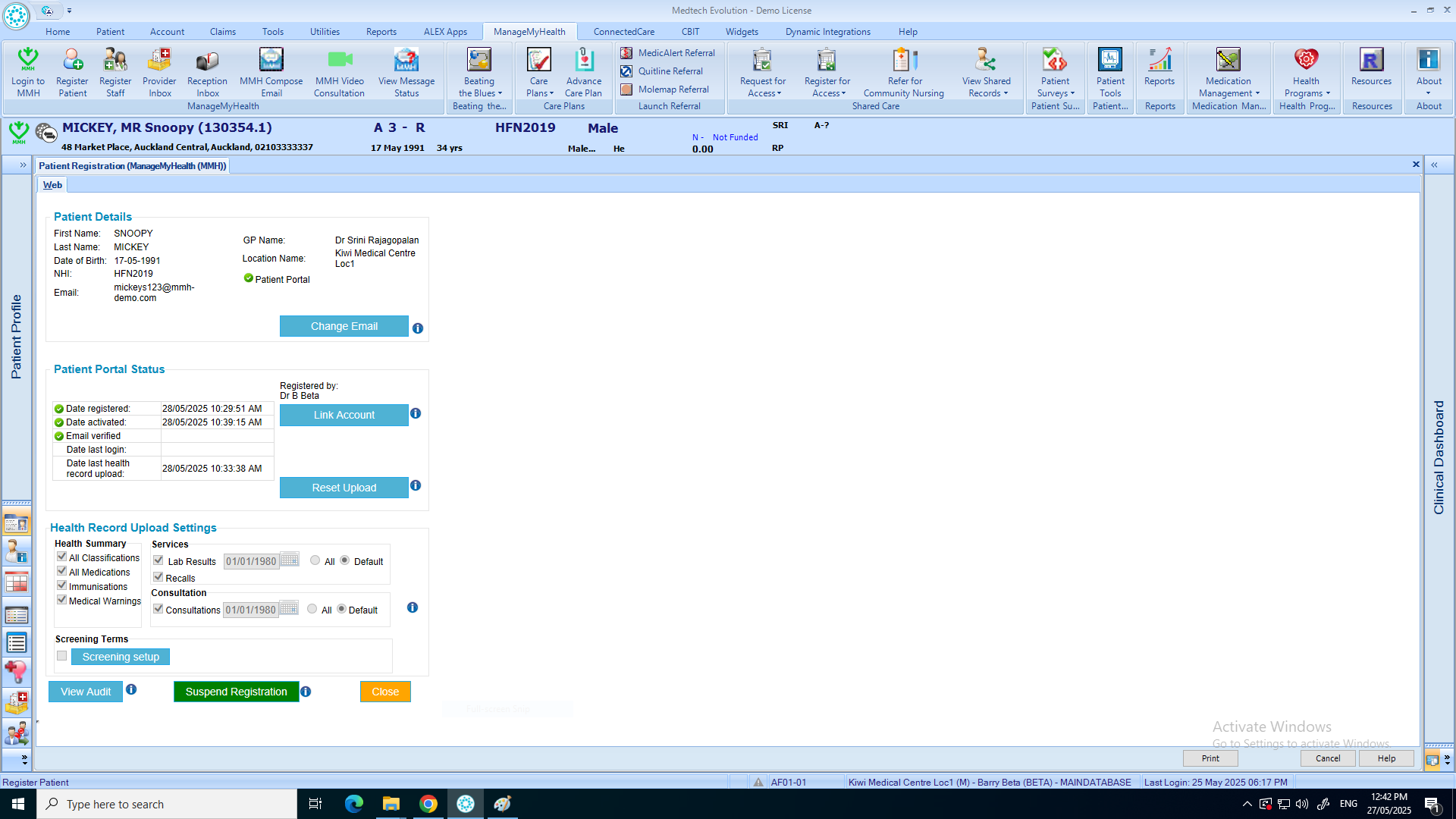
This help guide explains how to suspend a patient’s registration in ManageMyHealth. It’s useful when you need to temporarily block a patient’s access without permanently deleting their account. You’ll learn how to navigate to the Manage My Health menu, open Register Patient, and select Suspend Registration. By following these steps, you can confirm the suspension and ensure the patient’s portal access is paused until reactivated.
Video Demo:
Steps:
- Put the patient on the pallet.
- From the top menu, click “Manage My Health.”
- Select “Register Patient.”
- Click “Suspend Registration.”
- Confirm the suspension by clicking “OK.”