Description:
This help guide explains how to configure repeat prescription script instructions and fees by location. It’s useful when you want to set location-specific charges and instructions for patients. You’ll learn how to update urgent and same-day fees, add instructions for patient notifications, and enable pharmacy delivery. By following these steps, you can ensure consistent and transparent prescription settings across multiple sites.
Video Demo:
Steps:
- Go to “Setup Modules”, then select “Repeat Prescriptions” from the menu.
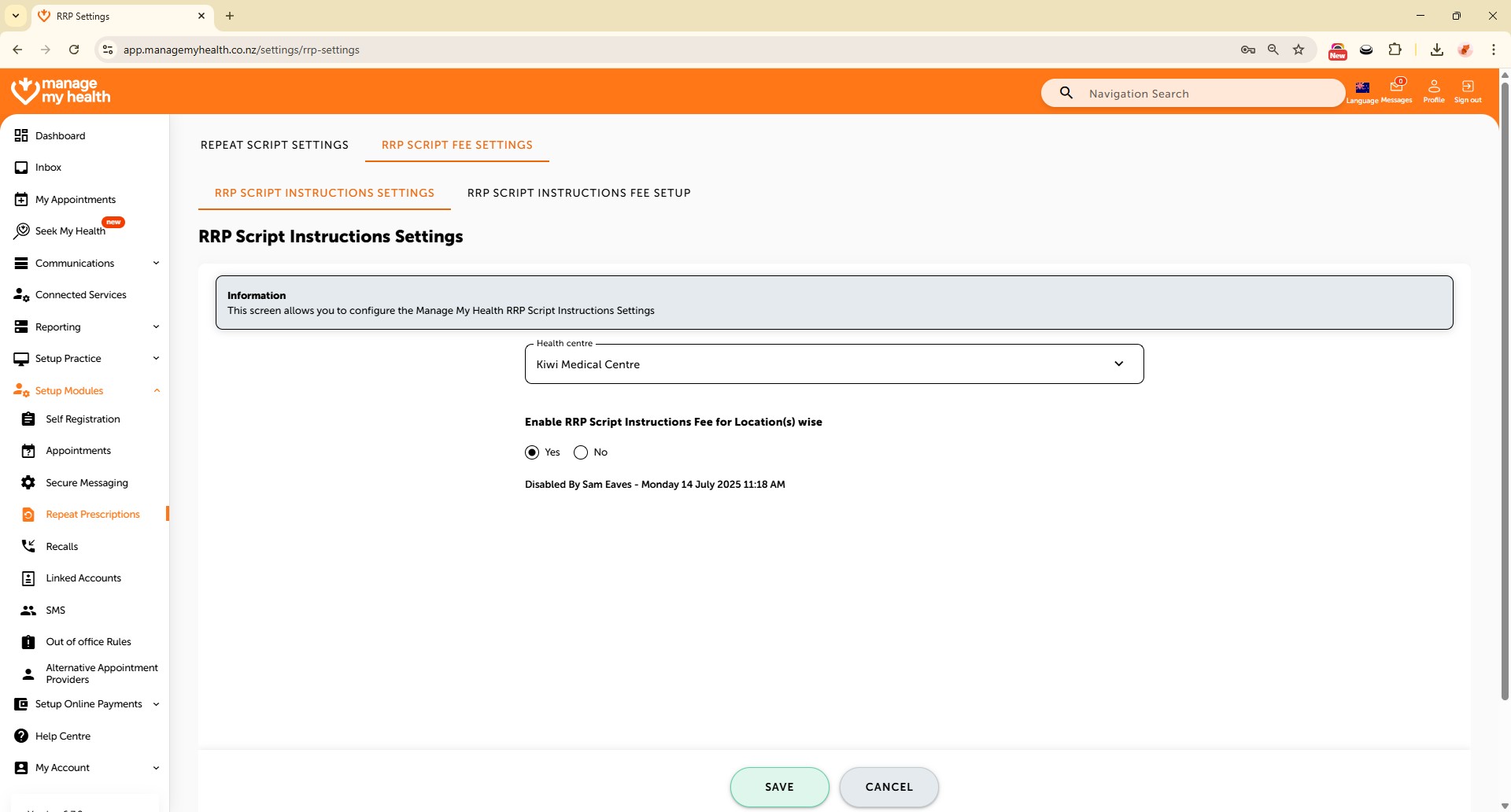
- Open the “RRP SCRIPT FEE SETTINGS” tab and click “Edit” to modify settings for your health centre.
- Enable location-based script instruction fees by selecting “Yes”, then click “SAVE.”
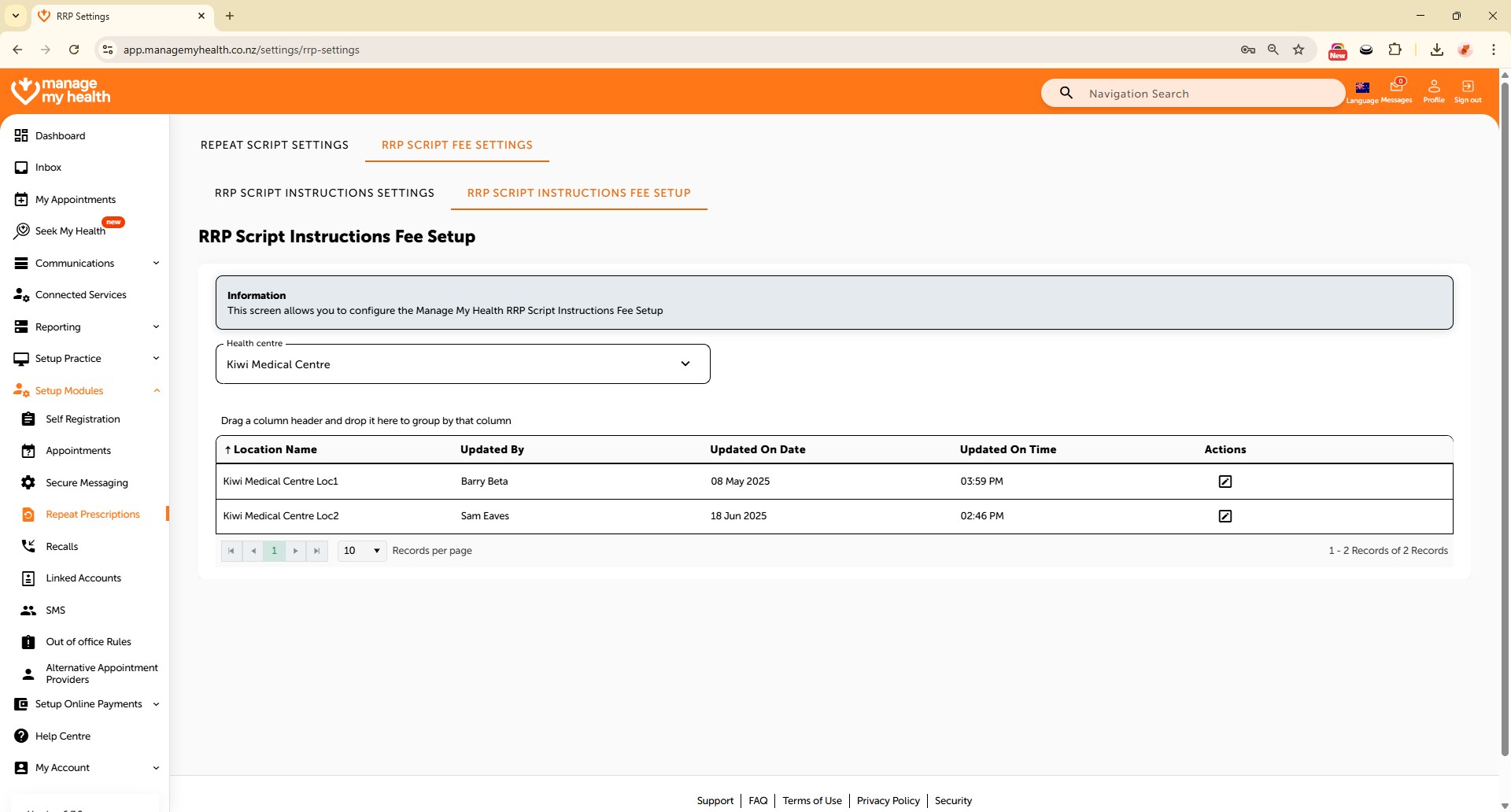
- Navigate to the “RRP SCRIPT INSTRUCTIONS FEE SETUP” tab to configure location-specific fees.
- Click the edit icon next to a location to begin updating its settings.
- Enable “Patient to Collect Script” to allow script pickup by patients.
- Set fees for Standard, Community Services Card, and High Use Health Card patients for urgent/same-day scripts.
- Add a description to be included in the patient’s email notification upon script processing.
- Enable “Send script to pharmacy” to allow patients to choose their preferred pharmacy.
- Once all details are set, click “SAVE” to apply the changes for that location.